Tech Tip - Block & Silence Unwanted WhatsApp Contacts
May 14, 2025
Tech Tip - Block & Silence Unwanted WhatsApp Contacts
This tech tip shows you how to effortlessly block unwanted contacts and silence annoying unknown callers, giving you peace of mind and distraction-free messaging.
Blocking Unwanted Contacts:
- Open WhatsApp and go to the chat with the contact or number you want to block.
- Tap the contact's name or number at the top of the chat.
- Scroll down and tap "Block" or "Block Contact".
- Confirm that you want to block the contact.
Muting Unknown Callers:
- Go to WhatsApp Settings (three dots or gear icon).
- Tap "Account" > "Privacy".
- Scroll down to "Calls" and toggle on "Silence Unknown Callers".
By following these simple steps, you can effectively manage unwanted contacts and calls on WhatsApp, saving yourself time and hassle.
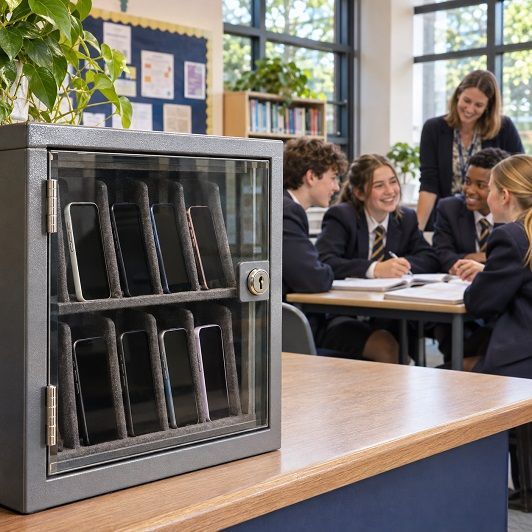
Featured Article : England To Ban Phones In Pupils’ Bags And Pockets

Tech Insight : Microsoft Restores Services After Global Outage