Tech Tip: Insert Screenshots Directly Into Outlook Emails
February 11, 2026
Tech Tip: Insert Screenshots Directly Into Outlook Emails
Outlook includes a built in Screenshot tool that lets you quickly capture a window or part of your screen and insert it straight into an email, saving time and avoiding the need to use separate screenshot tools.
How to do it
Outlook:
- Open a new email message.
- Place your cursor where you want the image to appear.
- Select the Insert tab in the ribbon.
- Click Screenshot.
Choose a full open window, or select Screen Clipping to capture a specific area.
The screenshot is then inserted directly into your email, making it easier to explain issues clearly and keep conversations moving without extra attachments or back and forth.
Note: This feature is only available in the desktop version of Outlook on Windows.
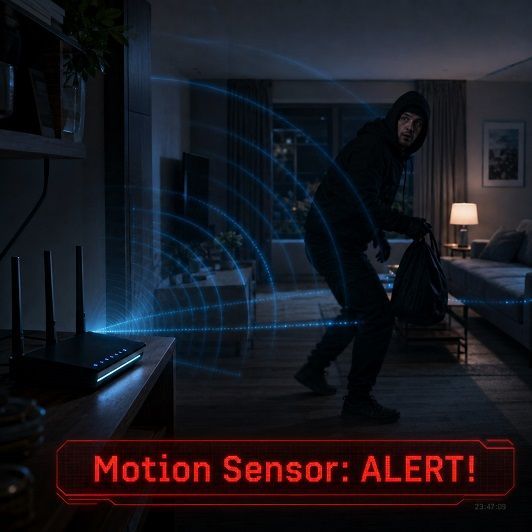
Featured Article : Turn Your Home WiFi Into A Security Motion Sensor

Tech Insight : OpenAI Makes Privacy A Competitive Advantage