Tech Tip - Lock Your WhatsApp Chats for Extra Security
September 25, 2025
Tech Tip - Lock Your WhatsApp Chats for Extra Security
Protect your sensitive conversations with WhatsApp's Chat Lock feature, adding an extra layer of security and privacy to your chats.
- Open the chat you want to lock by tapping on it.
- Tap the three dots (⋮) at the top right of the chat screen.
- Select "Lock Chat" to move the conversation to a protected folder.
- Access locked chats using your device's authentication (fingerprint, face recognition, or passcode) or a secret code.
This feature ensures that confidential business discussions remain protected and accessible only to authorised individuals.

Featured Article : Time Is Running Out For Cyber Security, Warn Top Tech Firms
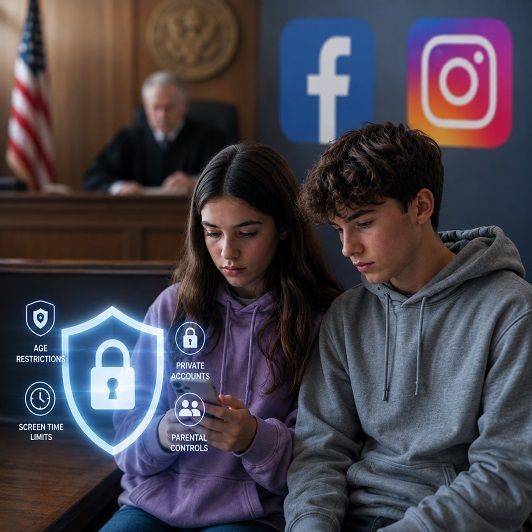
Tech Insight : Meta Settles Child Harm Claims For $18bn